

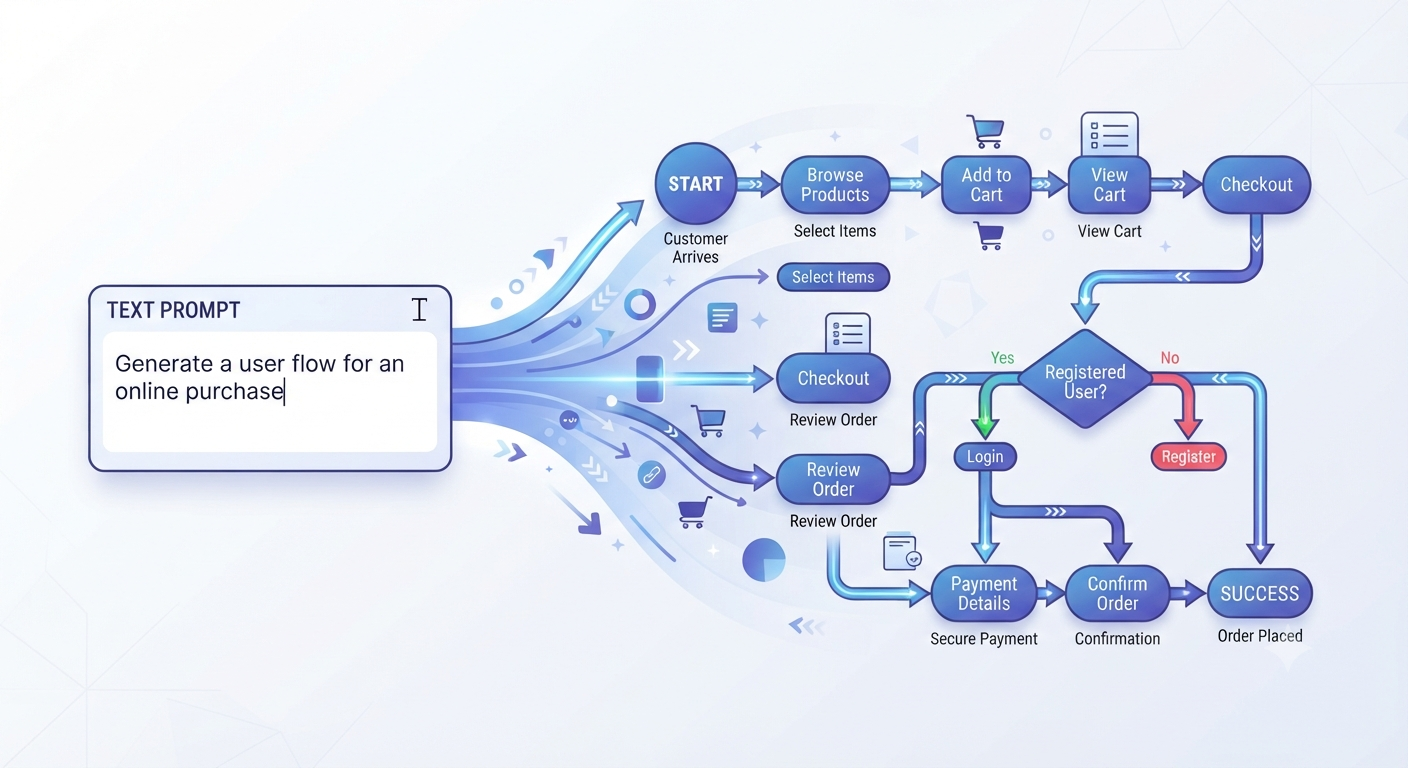
The best AI diagram generators in 2026 have collapsed a task that used to take an hour of dragging boxes into a 60-second prompt. Describe a process, a system, or a workflow in plain English, and the tool returns an editable flowchart, architecture diagram, or mind map roughly 80% finished. The real choice isn’t whether AI diagramming works — it does — it’s which of four genuinely different approaches fits how you actually work.
The Four Categories of AI Diagram Tools
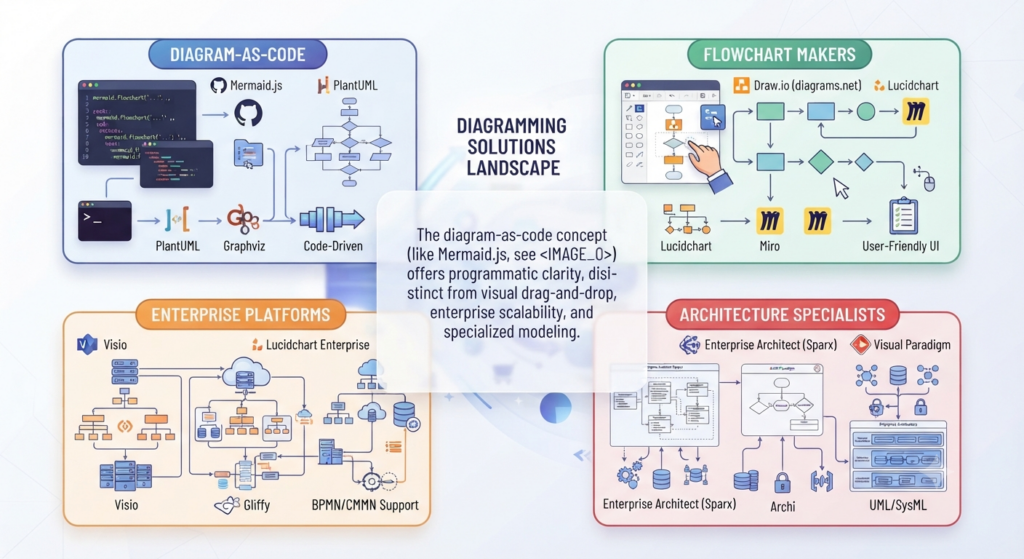
Diagram-as-code tools like Mermaid and PlantUML generate plain-text syntax rather than a polished visual directly. You get a diagram that lives as a file in your repo, renders natively on GitHub, GitLab, Notion, and Obsidian, and diffs meaningfully in a pull request — the standard approach for engineering documentation in 2026.
General-purpose flowchart and mind-map makers — Whimsical AI, Taskade Genesis, Creately AI — prioritize polished visual output and are built for non-technical users who want a finished diagram, not syntax to render elsewhere.
Established diagramming platforms with AI added on — Lucidchart, Miro — bring AI generation into a mature, enterprise-grade tool that already has deep manual editing, templates, and team governance.
Architecture and system-design specialists — Eraser AI, ArchitectureDiagram.ai — focus specifically on technical diagrams: system architecture, ER diagrams, sequence diagrams, generated directly from a plain-English system description or even from source code.
Best AI Diagram Generators Compared
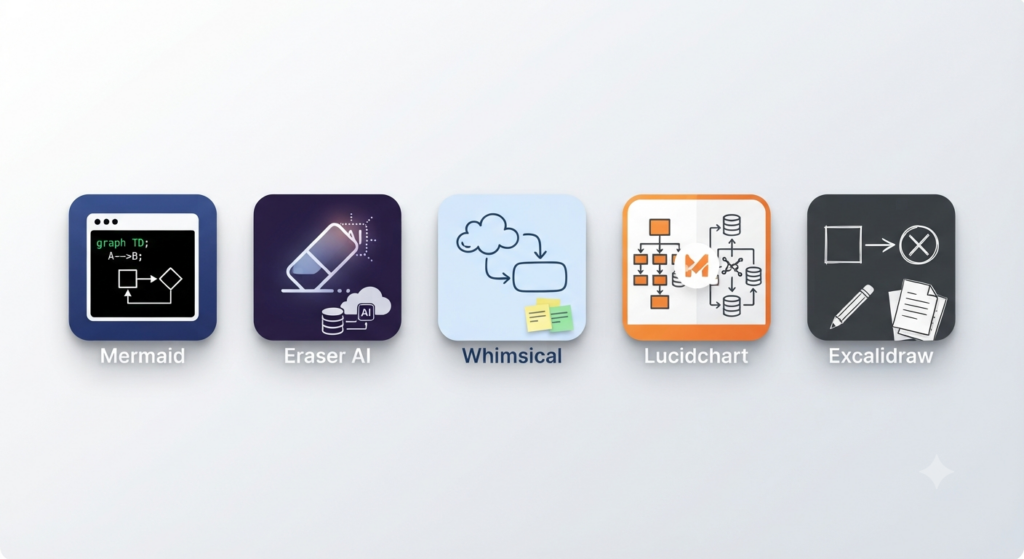
| Tool | Category | Best For | Starting Price |
|---|---|---|---|
| Mermaid | Diagram-as-code | Developers, docs-as-code workflows | Free |
| Eraser AI | Architecture specialist | System design, ER and sequence diagrams | $12/month (individual) |
| Whimsical AI | Flowchart/mind-map maker | Beautiful, fast flowcharts and mind maps | Free tier / $10/month Pro |
| Lucidchart | Enterprise platform | Teams needing governance and templates | $7.95/month |
| Excalidraw | Free sketch tool | Quick architecture sketches, hand-finished | Free (open-source) |
| Taskade Genesis | Living project tool | Diagram plus task list plus Gantt chart from one prompt | Free tier / $15/month Starter |
| Creately AI | Affordable mid-tier | Small teams wanting Lucidchart-depth at a lower price | $5/user/month |
Best for Specific Use Cases
Best for engineering documentation: Mermaid remains the standard — completely free, open-source, renders natively on every major developer platform, and covers flowcharts, sequence diagrams, class diagrams, ER diagrams, state diagrams, and Gantt charts in one syntax. Pair it with an AI coding assistant to generate the syntax from a plain-English description; see our Best AI Coding Agents guide for which assistants handle this well.
Best for system architecture specifically: Eraser AI consistently rates as the strongest option for architecture and system-design diagrams generated from a text description, ahead of general-purpose flowchart tools on this specific task.
Best free option with zero setup: Whimsical AI’s free tier and Mermaid both cost nothing; Excalidraw adds a genuinely useful middle ground — a free sketch canvas with light AI assist that gets you roughly 80% of the way, finished by hand.
Best for non-technical teams: Whimsical AI and Creately AI both prioritize polished, presentation-ready visual output over diagram-as-code syntax, which matters if your team isn’t comfortable editing Mermaid text directly.
Best for a living, updatable project instead of a flat image: Taskade Genesis turns the same prompt into a flowchart, task list, and Gantt chart simultaneously, rather than a single static diagram.
AI Diagram Generators and Coding Agents

One genuinely 2026-specific development: several diagram tools now support MCP (Model Context Protocol), letting a coding agent generate a diagram directly from your repository during a session rather than switching to a separate app — repo analysis, design review support, and automated documentation updates as a single workflow. See our Best MCP Servers guide for the connective infrastructure this depends on, and our How to Use MCP with Claude Code guide if you want to wire this into your own coding agent.
How to Choose
- Does the diagram need to live in your codebase? Mermaid or PlantUML — diagram-as-code is the only category that version-controls cleanly alongside your source.
- Is the diagram a one-off deliverable or a working document? A flat, polished export favors Whimsical or Lucidchart; an evolving project favors Taskade Genesis.
- Is this specifically a system architecture diagram? Eraser AI or ArchitectureDiagram.ai outperform general-purpose flowchart tools on this narrower task.
- Do you need enterprise governance — templates, permissions, audit trails? Lucidchart’s maturity as a platform still outweighs newer AI-first tools for large teams.
- Is budget the real constraint? Mermaid, Whimsical’s free tier, and Excalidraw cover the large majority of individual and small-team needs at zero cost.
FAQ
What’s the difference between diagram-as-code tools and visual AI diagram makers? Diagram-as-code tools like Mermaid generate plain-text syntax that renders as a diagram wherever it’s viewed — GitHub, Notion, a code editor — and version-controls like any other file. Visual makers like Whimsical or Lucidchart generate a finished, polished image or editable canvas directly, better suited to presentations and non-technical audiences.
Is Mermaid still the best choice for developers in 2026? Yes — it remains the standard for engineering documentation specifically because it’s free, renders natively on every major developer platform, covers the widest range of diagram types in one syntax, and diffs meaningfully in version control, which none of the visual-first tools can match.
Can AI diagram generators create architecture diagrams from actual source code? Yes — several tools, including Eraser AI and code-focused generators, can read a repository or source file directly and produce UML, sequence, or architecture diagrams reflecting the real structure, rather than requiring a manual text description.
Are AI diagram generators accurate enough to skip manual editing? Most get you roughly 80% of the way on a first pass — genuinely useful for a first draft, but complex or highly specific diagrams typically still need manual cleanup. Treat AI diagram output as a strong starting point rather than a finished deliverable.
Conclusion
The best AI diagram generators in 2026 split cleanly by workflow rather than by raw quality: Mermaid for anything living in a codebase, Eraser AI for architecture specifically, Whimsical or Lucidchart for polished, presentation-ready output, and Excalidraw or Taskade Genesis for fast, flexible sketching. Matching the category to how the diagram will actually be used and maintained matters more than picking whichever tool produces the prettiest first draft.
Related Vynula Guides
Official Source Package
- Mermaid — https://mermaid.js.org/
- Eraser AI — https://www.eraser.io/