



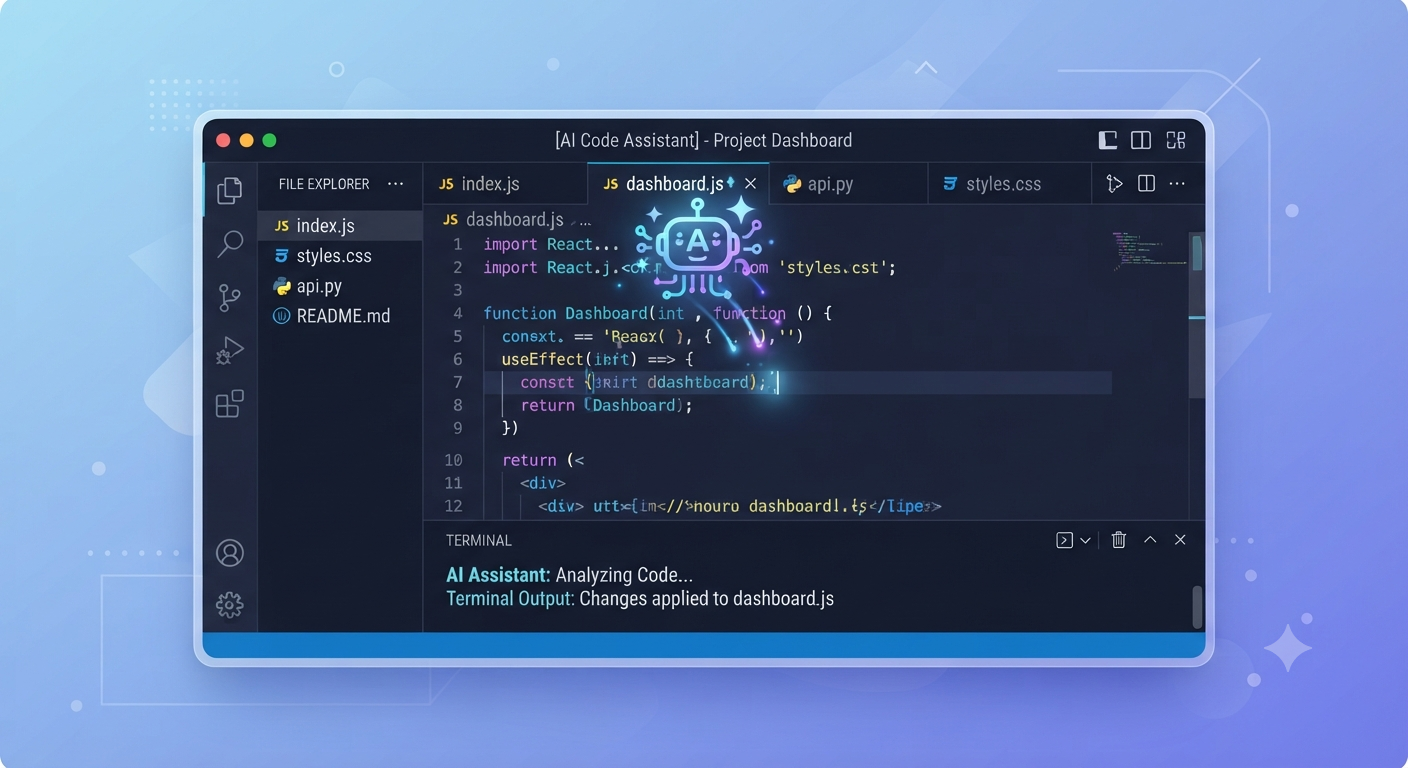
Cursor AI has gone from a niche VS Code fork to the default editor inside a large share of engineering organizations in about two years — more than a million developers and roughly 360,000 paying users by mid-2026, with over half the Fortune 500 among its customers. This guide explains what Cursor AI actually is, its core features, current pricing, and how it stacks up against the alternatives.
What Is Cursor AI?
Cursor AI is an AI-native code editor built by Anysphere. It’s not a plugin bolted onto an existing editor — it’s a full fork of VS Code, meaning it looks nearly identical, supports the same extensions, uses the same keyboard shortcuts, and imports existing settings in about half a minute. The difference is what’s built in natively: deep AI code generation, multi-file editing, and autonomous agent capabilities rather than a chat sidebar layered on top.
Core Features

Composer handles multi-file edits and refactors at the scale of an entire file tree, rather than one file at a time.
Agent Mode lets Cursor plan and execute multi-step coding tasks autonomously — running terminal commands, reading error output, fixing the error, running tests, and iterating until things pass, without a developer manually driving each step.
Cloud Agents, introduced with Cursor 3.5 in May 2026, run in isolated cloud VMs with full terminal, browser, and desktop access, working across multiple repositories in parallel and reporting results back to the editor asynchronously — a meaningfully different capability from earlier local-only agent runs.
Tab provides fast, context-aware autocomplete for everyday coding, and unlimited Tab completions are included even on the entry paid tier.
Cursor routes requests to frontier models from Anthropic, OpenAI, and Google — including Claude Opus and Sonnet, GPT-4o and newer reasoning models, and Gemini — letting you pick a specific model manually or leave the choice to Cursor’s Auto mode.
Pricing Tiers

Cursor AI moved from a request-quota pricing model to a credit-based pool in June 2025, which is still the structure in 2026:
| Plan | Price | Notes |
|---|---|---|
| Hobby | Free | Limited Agent requests and Tab completions, no credit card required |
| Pro | $20/month (~$16/month billed annually) | Unlimited Tab, extended Agent limits, Cloud Agents, MCP, all frontier models, $20 monthly credit pool |
| Pro+ | $60/month | Larger credit pool for heavier frontier-model usage |
| Ultra | $200/month | Highest individual credit allowance |
| Teams | $40/user/month | Shared chats, centralized billing, usage analytics |
| Enterprise | Custom | Pooled usage, SSO, audit logs, priority support |
The practical detail worth understanding: Auto mode (Cursor picks the model) doesn’t draw down your credit pool, but manually selecting a frontier model like Opus does — meaning the $20 Pro plan can feel generous or tight depending entirely on how often you override Auto mode.
MCP Support
Cursor AI shipped native MCP (Model Context Protocol) support in late 2025, and it’s matured significantly since — the public registry of community MCP servers had crossed 200 entries by mid-2026. This lets Cursor connect directly to external tools and data sources: querying a production database, submitting a pull request, or posting to Slack, all without leaving the editor. Pro and above plans include MCP support; see our Best MCP Servers guide for which servers are worth connecting first.
Cursor vs. Alternatives

Cursor vs. GitHub Copilot: Copilot is roughly half the price ($10 vs. $20) and works inside any IDE, including JetBrains, rather than requiring a dedicated editor. Cursor wins on feature depth — Composer, Cloud Agents, and deeper MCP integration go further than Copilot’s agent mode. The honest tradeoff: choose Copilot for budget and IDE flexibility, Cursor for maximum capability.
Cursor vs. Claude Code: As of April 2026, Claude Code (paired with Opus 4.7) posted the highest score in its category on SWE-bench Verified at 80.8%, with Cursor 3.5 in a similar range for in-editor work specifically. The practical difference is less about raw benchmark scores and more about workflow: Claude Code lives in the terminal and integrates tightly with a command-line-first workflow, while Cursor is a full editor replacement built for developers who want the AI woven into a familiar VS Code-style interface. See our Claude Code Explained guide for the terminal-first alternative.
Cursor vs. Windsurf: Both are AI-native editors with agent capabilities and MCP support; the gap between them has narrowed enough that the right choice increasingly comes down to team preference and specific workflow fit rather than one being categorically ahead.
Who Should Use Cursor AI
Cursor AI fits developers who want AI woven directly into their primary coding environment rather than bolted on as an extension — particularly teams doing heavy multi-file refactoring, developers who want Cloud Agents running background tasks in parallel, and organizations already comfortable paying a premium for a dedicated AI-native editor over a cheaper plugin-based alternative.
FAQ
Is Cursor AI just VS Code with a chatbot added? No — Cursor is a full fork of VS Code with AI capabilities built natively into the editor, not an extension. It supports the same extensions and shortcuts as VS Code, but Composer, Agent Mode, and Cloud Agents are core to the product rather than layered on top.
How much does Cursor AI cost? Hobby is free with limited usage. Pro is $20/month and is the most popular individual tier. Pro+ ($60) and Ultra ($200) offer larger credit pools for heavy frontier-model use. Teams is $40/user/month, and Enterprise pricing is custom.
Does Cursor AI support MCP? Yes — native MCP support shipped in late 2025 and is available on Pro plans and above, letting Cursor connect to external tools like databases, GitHub, and Slack directly from the editor.
Is Cursor AI better than Claude Code? It depends on your workflow rather than a clean win either way. Claude Code posted the highest SWE-bench Verified score in its category as of April 2026 and fits a terminal-first workflow; Cursor AI is a full editor replacement better suited to developers who want AI built into a familiar IDE interface, with strong in-editor performance in a similar range.
Conclusion
Cursor AI earned its position as one of the most widely adopted AI coding tools in 2026 by building AI capability into the editor itself rather than adding it as an afterthought — Composer, Agent Mode, Cloud Agents, and mature MCP support cover most of what a modern development workflow needs. The $20 Pro plan is the sensible starting point for most individual developers; whether Cursor beats Claude Code, Copilot, or Windsurf for your specific case comes down to workflow fit more than any single benchmark.
Related Vynula Guides
Official Source Package
- Cursor (Anysphere) — https://cursor.com/


