



Cline is an open-source AI coding agent for developers who want agentic workflows inside their development environment. The core product is free for individual developers, while AI inference is paid according to the model/provider you choose or through Cline’s own provider options. This guide explains how Cline works, its current pricing options, Plan and Act modes, MCP support, and where it fits compared with Cursor and Claude Code.
What Is Cline AI?
Cline is an open-source AI coding agent that can inspect a codebase, propose changes, edit files and run development commands in Act mode. It is available through developer tooling including its IDE experience and CLI. Cline supports multiple AI providers rather than locking users to a single model vendor.
Plan and Act: How Cline Works
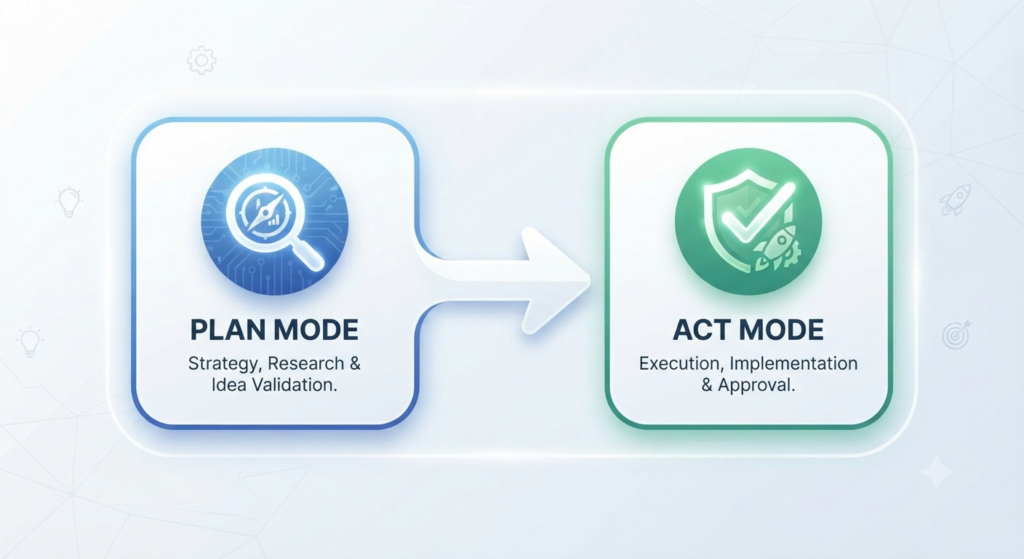
Cline separates planning from execution. In Plan mode, it can explore the codebase, search files and discuss an implementation strategy, but it does not modify files or execute commands. In Act mode, it can modify files and run commands using the context built during planning. Cline’s IDE workflow can ask for approval before changes, and its settings also provide controls for tool auto-approval.
Cline supports both its own provider experience and bring-your-own-key (BYOK) setups. BYOK can connect directly to supported third-party providers, while the Cline Provider offers built-in billing and access to multiple model families. Local-model options are also available through supported local providers.
Cline Pricing in 2026
Cline’s core offering is free for individual developers. AI inference is usage-based: you can use Cline’s provider, bring your own API key, or use supported local models. Enterprise pricing is custom. Cline also offers ClinePass, a separate subscription for a curated set of included models; its standard advertised rate is $9.99 per month, although promotional pricing can change.
| Option | Price | How It Works |
|---|---|---|
| Open Source | Free | Core Cline tooling; model inference is paid separately or supplied through BYOK/local models |
| Cline Provider | Usage-based | Built-in billing across supported models |
| ClinePass | $9.99/month standard rate | Subscription access to a curated set of included models; promotions may temporarily change the first-month price |
| Enterprise | Custom | Enterprise controls, support and additional organization features |
Your actual AI cost therefore depends on the model, provider and amount of inference you use. Rather than assuming a fixed monthly spend, check the selected provider’s current model rates and your usage pattern.
MCP and Model Support
Cline supports the Model Context Protocol (MCP), which lets compatible MCP servers expose tools and data sources to the agent. If you are building an MCP-enabled coding workflow, see our Best MCP Servers guide. Cline also supports multiple model/provider configurations, including BYOK and local-model workflows.
Cline AI vs. Cursor vs. Claude Code
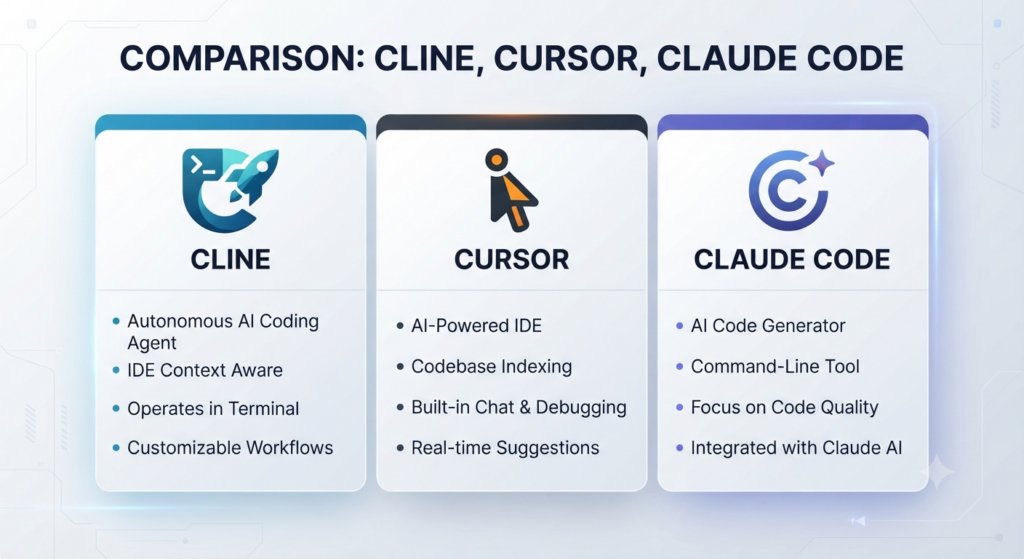
Cline vs. Cursor: Cline emphasizes an open-source, provider-flexible agent workflow, while Cursor is a dedicated AI code editor with its own integrated product experience. The better fit depends on whether you prioritize Cline’s provider flexibility and open-source approach or Cursor’s integrated editor workflow. See our Cursor AI Explained guide.
Cline vs. Claude Code: Cline supports multiple model providers, whereas Claude Code is Anthropic’s coding agent. Both can participate in tool-rich development workflows, but their product architecture and model choices differ. See our Claude Code Explained guide.
Who Should Use Cline AI?
Cline is particularly relevant to developers who value an open-source agent, provider choice, BYOK support and control over how an agent plans and executes coding tasks. Developers who prefer a more tightly bundled editor-and-model experience may prefer a different tool.
FAQ
Is Cline AI free? Cline’s core product is free for individual developers. AI inference can still cost money depending on the provider and model you use. Cline also offers paid options such as ClinePass, while Enterprise pricing is custom.
What is the difference between Plan and Act modes? Plan mode is designed for exploration and strategy without modifying files or executing commands. Act mode enables Cline to implement the plan by modifying files and running commands.
Does Cline support MCP? Yes. Cline documents native workflows for adding, configuring and using MCP servers.
Does Cline require your own API key? No. BYOK is supported, but Cline also provides its own provider experience with built-in billing, and supported local-model configurations are available.
Conclusion
Cline’s main appeal is the combination of an open-source coding agent, provider flexibility, Plan and Act workflows, and MCP support. Its core tooling can be used without a Cline subscription, but model inference costs depend on how you configure it. That flexibility makes Cline worth considering for developers who want more control over their coding-agent stack.