



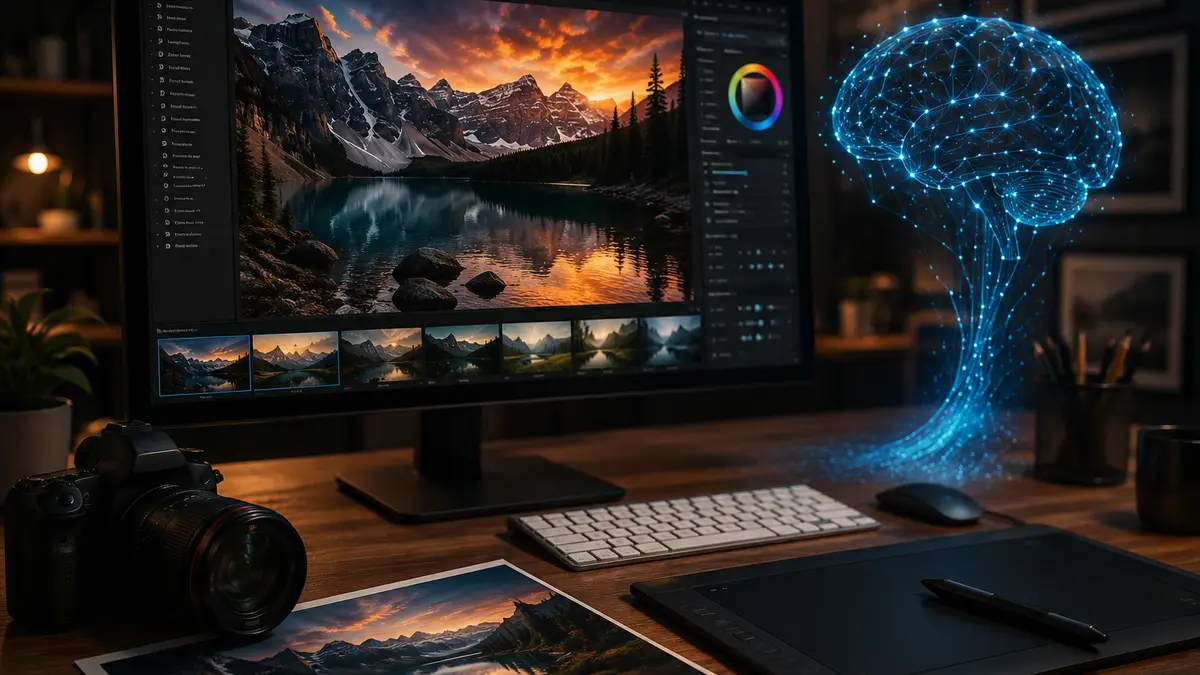
Artificial intelligence image generation is no longer just a futuristic novelty; it is the new standard for digital content creation. However, while most users settle for generic results by typing basic commands like “a portrait of a woman,” top-tier creators have unlocked the true potential of AI: ChatGPT photorealistic image prompts. By mastering technical terminology and lighting nuances, you can transform your AI-generated images from amateur drafts into professional-grade photography.
Ever wonder why some AI images look so incredibly authentic that they defy belief? The secret isn’t just the model; it is the precision of your instructions. Whether you are a social media strategist, a graphic designer, or a tech enthusiast, this guide will help you treat your AI tool like a high-end photography studio.
The Power of ChatGPT and DALL-E Integration
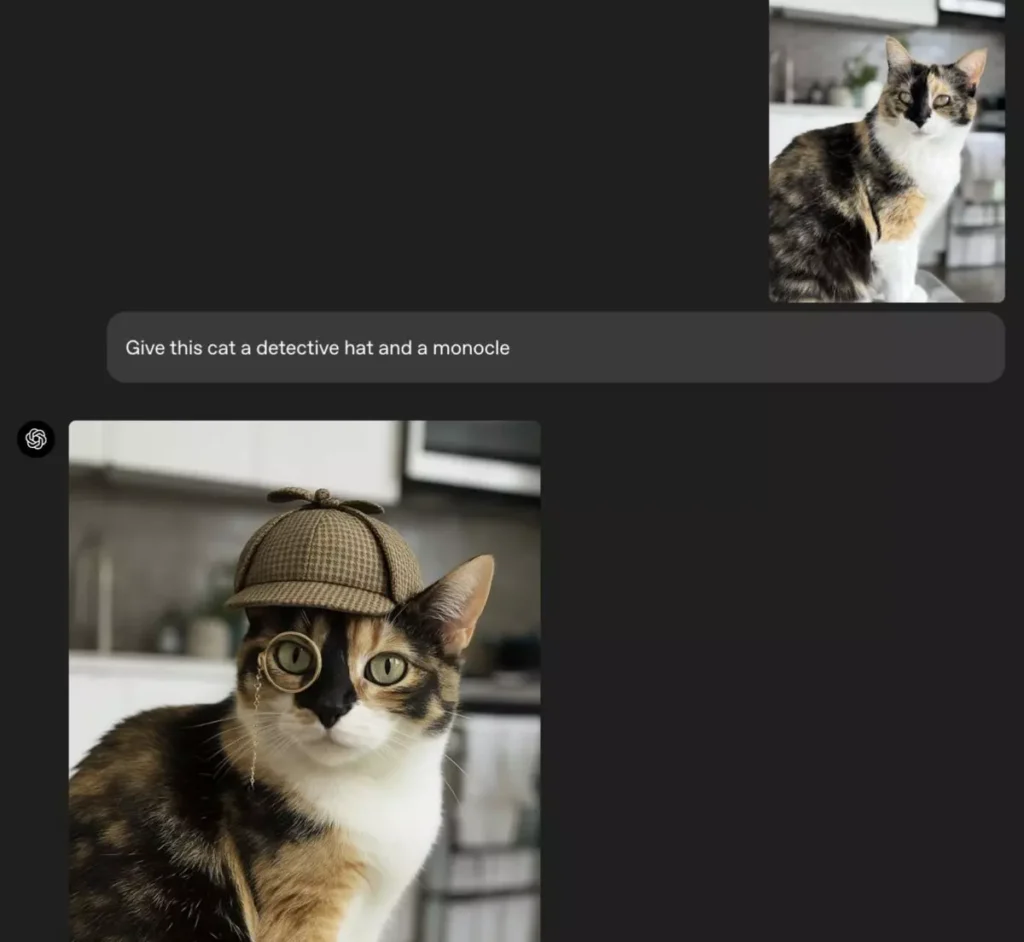
The DALL-E integration within ChatGPT Plus converts your natural language descriptions into high-definition visual art within seconds. Yet, it is vital to remember that these systems are built on billions of data points. If you give a vague prompt like “a coffee cup,” you get a generic image. But if you describe it as “a macro shot of a steaming coffee cup, soft morning light hitting the porcelain, shallow depth of field,” you achieve results that mirror professional photography.
How to Write the Perfect Photorealistic Prompt
Realism lives in the details. To create images that resonate, you must define more than just the subject; you must define the environment and the technical “physics” of the shot. Use this formula to level up your ChatGPT photorealistic image prompts:
- The Subject: Who or what? (e.g., “A 25-year-old woman with natural freckles”)
- Environment & Mood: Where is it and what is the vibe? (e.g., “A rainy street in London, nostalgic and moody”)
- Camera & Lens: What gear was used? (e.g., “85mm lens, f/1.8 aperture”)
- Lighting: Where is the light coming from? (e.g., “Golden hour, soft rim lighting”)
Pro-Level Lighting and Lens Settings
Photography is all about light. By feeding your AI model specific industry terms, you strip away the “AI-generated” look.
- Natural Lighting: Use terms like “golden hour,” “soft window light,” or “diffused overcast lighting.”
- Lens Selection: Use an “85mm lens” for stunning bokeh in portraits; switch to a “16mm wide-angle lens” to capture breathtaking landscape depth.
- Technical Precision: Always include aperture values like “f/1.4” to simulate professional-grade depth of field.
Keywords That Skyrocket Image Quality

To push your images toward photorealism, sprinkle these “power words” into your prompts:
- “4K resolution, ultra-detailed, photorealistic”: Boosts overall clarity.
- “Cinematic lighting”: Adds dramatic depth and professional shadow play.
- “Highly detailed skin texture”: Essential for human figures to avoid the “waxy” AI look.
Pro Tip: While ChatGPT understands many languages, it performs significantly better with English prompts. The model’s training data is heavily weighted toward English, allowing it to process technical photographic nuances with much greater accuracy.
Navigating the Limits of AI Imagery
Even the best models have constraints. You might occasionally notice issues with complex anatomy (like hands) or text rendering. When this happens, simplify the composition or focus the prompt on one primary subject. Additionally, remember that safety filters restrict the creation of images featuring famous public figures to protect against deepfakes and copyright infringement.
Is AI the Future of Photography?
Traditional photography is about capturing a moment, while AI is about engineering that moment from scratch. As these tools evolve, the line between “capturing” and “creating” is blurring. Do you think AI-generated images will eventually replace traditional photography in commercial fields? Share your thoughts in the comments below!


