




The best AI 3D generators in 2026 can turn a text prompt or a single reference photo into a usable 3D mesh in seconds — work that used to take a skilled artist 20-40 hours per character. But the category has split into genuinely different markets that get compared as if they’re one, and picking the wrong tool for your actual workflow (game assets, 3D printing, film-quality characters, or engineering parts) wastes more time than the generation itself saves.
Two Different Markets: Mesh Generators vs. CAD Tools
This is the split most comparisons blur together. AI 3D mesh generators — Meshy, Tripo, Rodin, Hunyuan3D — are built for polygonal assets: concept meshes, game-ready characters, product visuals, organic shapes. AI CAD tools — Zoo’s Zookeeper, Adam CAD — target a completely different job: editable, dimensioned engineering parts meant for manufacturing, not just a pretty mesh. If you need a functional, precisely-dimensioned part, a mesh generator is the wrong category entirely, regardless of how good its output looks.
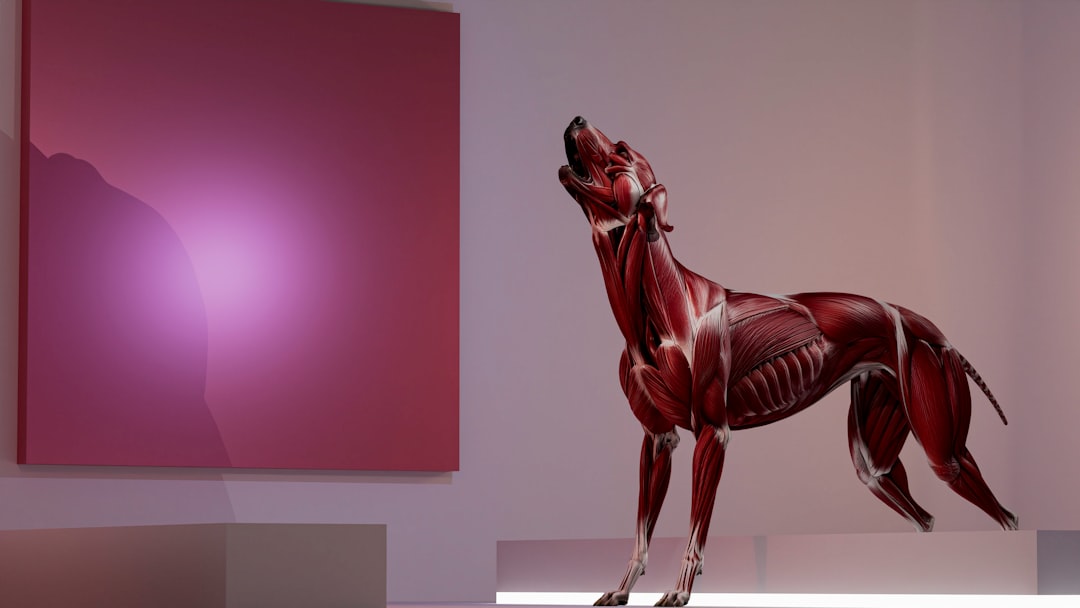
Best AI 3D Generators Compared
| Tool | Best For | Notable Strength | Starting Price |
|---|---|---|---|
| Meshy AI | Balanced all-rounder, 3D printing | Built-in auto-rigging for characters; most mature workflow | $20/month Pro |
| Tripo AI | Game development, speed | Generates usable models in ~8-10 seconds; auto-optimizes topology | Free tier / paid credits |
| Rodin AI | Photorealistic human characters | ByteDance-backed, near-photoreal faces, hair, and physics | $30/month Creator |
| TRELLIS 2 | Best open-source visual quality | Gaussian Splatting output, free (Microsoft Research) | Free (requires own GPU, $2,000+) |
| 3D AI Studio | Trying multiple models, best value | Access to Meshy, Rodin, Tripo, Hunyuan, TRELLIS in one account | ~$19-29/month |
| Luma Genie | Free experimentation | Easiest free starting point | Free (non-commercial only) |
| Sloyd | Real-time game assets | Parametric templates rather than true generation | Varies |
The Free Tier Catch: What “Free” Actually Means
Worth understanding before assuming a free plan covers your use case. Meshy and Tripo’s free outputs are licensed CC BY 4.0, meaning attribution is required for any published use. Luma Genie is free, but strictly non-commercial. TRELLIS 2 and Hunyuan3D are genuinely free and open-source, but running them requires your own capable GPU hardware — realistically a $2,000+ 24GB NVIDIA card — which is a real cost most casual users won’t have sitting around. Almost none of these tools output a fully print-ready mesh directly for 3D printing either; plan on a cleanup step (making the mesh manifold, checking wall thickness, adding a base) before slicing, regardless of which tool generated it.

Best for Specific Use Cases
Best all-around balanced tool: Meshy AI remains the most balanced product in the category — text-to-3D, image-to-3D, PBR texturing, topology controls, and broad export formats make it the default recommendation for a single tool that handles the most workflows well, plus built-in character auto-rigging that competitors like Tripo and Rodin don’t offer natively.
Best for game developers specifically: Tripo AI has become the top choice for game development thanks to generation speed (usable models in roughly 8-10 seconds), automatic topology optimization for game engines, and quad retopology that dramatically reduces manual cleanup time.
Best for photorealistic human characters: Rodin AI is the clear leader for film studios, advertising agencies, and metaverse platforms needing near-photoreal virtual humans — detailed faces, hair, and realistic physics that other generators don’t attempt to match.
Best value if you want to try multiple models: 3D AI Studio’s aggregator approach — access to Meshy, Rodin, Tripo, Hunyuan, and TRELLIS under one account and one credit pool — lets you pick whichever model nails a specific prompt rather than committing to one platform’s particular strengths and weaknesses.
Best for 3D printing specifically: Meshy and Tripo both produce workable, close-to-watertight meshes with STL export and basic printability checks — genuinely useful, though budget time for the standard cleanup pass any AI-generated mesh needs before slicing.
Best for functional, dimensioned engineering parts: Skip mesh generators entirely and use a text-to-CAD tool like Zoo or Adam CAD — a fundamentally different category built for editable, manufacturable precision rather than visual output.
How to Choose
- Are you making game assets, concept art, or an engineering part? Mesh generators for the first two; a dedicated text-to-CAD tool for the third.
- Does speed or photorealism matter more? Tripo for fast iteration; Rodin for maximum quality, particularly on human characters.
- Do you need commercial rights on the free tier? Check the specific license — Meshy/Tripo free requires attribution, Luma Genie free is non-commercial only.
- Do you have GPU hardware to spare? TRELLIS 2 and Hunyuan3D are genuinely free but assume a capable local GPU; cloud-based tools avoid this but charge per generation.
- Do you want flexibility across multiple AI models? 3D AI Studio’s aggregator model is the practical choice if no single generator consistently nails your specific prompts.
FAQ
Can AI 3D generators produce print-ready models? Almost never directly. Tools like Meshy and Tripo produce usable meshes from a text prompt or photo, but plan on a cleanup step — making the mesh manifold, checking wall thickness, adding a base — before slicing for a 3D printer.
What’s the difference between an AI 3D generator and an AI CAD tool? AI 3D generators (Meshy, Tripo, Rodin) create polygonal meshes for visual, organic, or game-ready assets. AI CAD tools (Zoo, Adam CAD) create editable, dimensioned parts meant for engineering and manufacturing — a genuinely different category, not just a stylistic variant.
Is there a truly free AI 3D generator with commercial rights? Options exist but with real caveats. Meshy and Tripo’s free tiers allow commercial use under CC BY 4.0 (attribution required). RapidDirect AI Creator offers free daily credits with full commercial rights. TRELLIS 2 and Hunyuan3D are free and open-source but require your own capable GPU hardware to run.
Which AI 3D generator is fastest? Tripo AI is the fastest of the major tools, generating usable models in roughly 8-10 seconds on average — a meaningful advantage for game developers iterating on many assets.
Conclusion
The best AI 3D generators in 2026 split cleanly by what you’re actually trying to make — Meshy for balanced, all-around work, Tripo for speed and game pipelines, Rodin for photorealistic characters, and 3D AI Studio if you’d rather have flexible access to several models than commit to one. The free tier restrictions and the “almost nothing is print-ready out of the box” reality are worth planning around before assuming any single tool covers your full workflow. For other AI creative tools, see our Best AI Image Generators and Best AI Video Generators guides.


