



Quick Answer
AI video generators have rapidly transformed how individuals, businesses, and creative professionals produce video content. Instead of spending hours filming, editing, and rendering footage, modern AI platforms can generate cinematic videos from simple text prompts, reference images, or existing footage in just minutes.
In 2026, leading tools such as Google Veo, OpenAI Sora, Kling AI, Runway, Pika, Luma Dream Machine, Hailuo AI, PixVerse, Higgsfield AI, and Synthesia each offer unique strengths. Some focus on realistic cinematic scenes, while others specialize in social media videos, marketing content, avatars, or professional filmmaking.
The best AI video generator depends on your creative goals, budget, editing workflow, and desired output quality.
Key Takeaways
- AI video generators can create high-quality videos from text, images, or prompts.
- Different tools specialize in filmmaking, marketing, social media, or business presentations.
- Google Veo and OpenAI Sora lead in realism and cinematic quality.
- Runway remains one of the strongest choices for professional video editing workflows.
- Kling AI continues to impress with realistic motion generation.
- Synthesia dominates AI avatar videos for businesses and education.
- Choosing the right platform depends on your use case rather than simply selecting the most advanced model.
Table of Contents
- What Are AI Video Generators?
- How AI Video Generation Works
- Why AI Video Tools Matter
- How We Evaluated These Platforms
- Quick Comparison Table
- Google Veo
- OpenAI Sora
- Kling AI
- Runway
- Pika
- Luma Dream Machine
- Hailuo AI
- Higgsfield AI
- PixVerse
- Synthesia
- Which AI Video Generator Is Best?
- Frequently Asked Questions
- Final Verdict
What Are AI Video Generators?
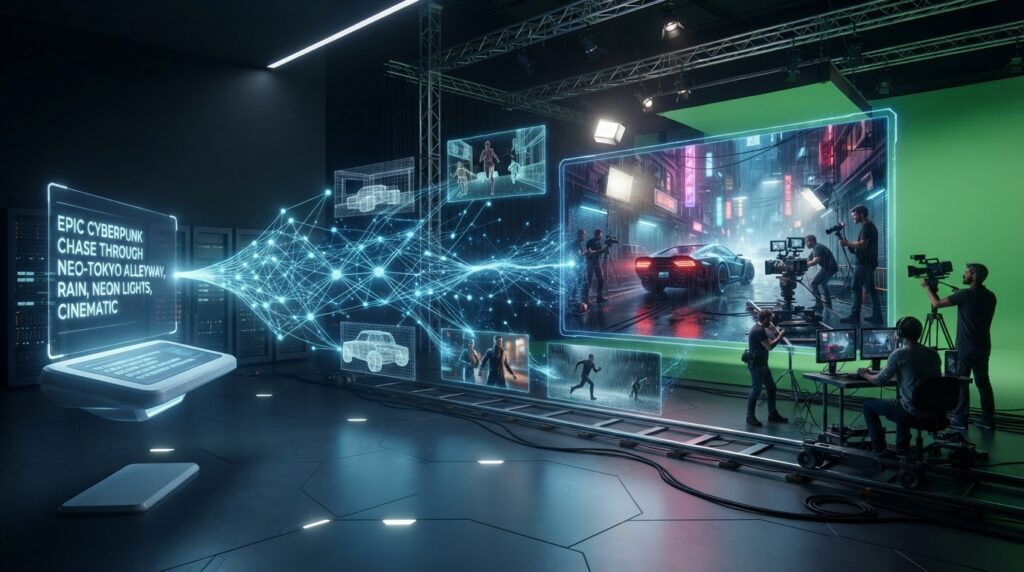
AI video generators are artificial intelligence platforms capable of creating videos from natural language prompts, images, storyboards, or existing footage. Using advanced diffusion models, transformer architectures, and multimodal AI systems, these platforms can generate realistic motion, consistent characters, cinematic camera movements, lighting effects, and visual storytelling.
Unlike traditional video editing software that requires manual work, AI video generators automate much of the creative process. Users simply describe the desired scene, and the AI produces a video based on that description.
Modern platforms can also:
- Generate videos from text prompts
- Animate still images
- Extend existing videos
- Remove unwanted objects
- Replace backgrounds
- Improve video quality
- Create AI avatars
- Produce lip-synced speech
- Generate cinematic camera movements
As generative AI continues to evolve, these tools are becoming essential for creators, marketers, filmmakers, educators, and businesses worldwide.
How AI Video Generation Works
Most modern AI video generators rely on multimodal machine learning models trained on enormous datasets containing images, videos, text, and motion information.
The workflow generally follows these steps:
- The user provides a prompt, image, or reference video.
- The AI interprets the request using large language and vision models.
- A diffusion or transformer-based model generates realistic frames.
- Motion models ensure temporal consistency between frames.
- Additional AI systems refine lighting, camera movement, textures, facial expressions, and object interactions.
- The final video is rendered for download or further editing.
Recent advancements have dramatically improved consistency, realism, and prompt understanding, making AI-generated videos increasingly difficult to distinguish from traditionally produced footage.
Why AI Video Tools Matter in 2026
Video has become one of the most influential content formats across marketing, education, entertainment, journalism, and social media. At the same time, producing high-quality videos traditionally requires expensive equipment, editing software, and significant technical expertise.
AI video generators help bridge that gap by making professional-quality production accessible to a much wider audience.
These tools are now used for:
- YouTube content
- TikTok and Instagram Reels
- Product marketing
- Advertising campaigns
- Educational courses
- Business presentations
- Training materials
- Short films
- Storyboarding
- Prototype visualization
- Social media content
- Creative filmmaking
Rather than replacing filmmakers or editors, AI video platforms accelerate production by automating repetitive and time-consuming tasks.
How We Evaluated These AI Video Generators
To ensure a balanced comparison, we assessed every platform using the same evaluation criteria.
Video Quality
Can the platform generate realistic, high-resolution, visually impressive videos?
Prompt Understanding
How accurately does the AI interpret complex prompts and creative instructions?
Motion Consistency
Are characters, objects, and environments consistent across frames?
Editing Features
Does the platform support inpainting, outpainting, video extension, scene editing, or object removal?
Ease of Use
Is the interface intuitive for beginners while remaining powerful for professionals?
Rendering Speed
How quickly can users generate high-quality videos?
Pricing
Does the platform provide a free plan, affordable subscriptions, or enterprise options?
Quick Comparison Table
| Tool | Best For | Text-to-Video | Image-to-Video | AI Editing | Free Plan |
|---|---|---|---|---|---|
| Google Veo | Cinematic videos | ✅ | ✅ | ✅ | Limited |
| OpenAI Sora | Realistic storytelling | ✅ | ✅ | ✅ | Limited |
| Kling AI | Motion realism | ✅ | ✅ | Limited | Yes |
| Runway | Professional editing | ✅ | ✅ | Excellent | Yes |
| Pika | Social media videos | ✅ | ✅ | Good | Yes |
| Luma Dream Machine | Creative filmmaking | ✅ | ✅ | Good | Yes |
| Hailuo AI | Fast generation | ✅ | ✅ | Basic | Yes |
| Higgsfield AI | Cinematic effects | ✅ | Limited | Good | Limited |
| PixVerse | Viral short videos | ✅ | ✅ | Good | Yes |
| Synthesia | AI avatars | Limited | No | Excellent | Trial |
The Rise of AI Video Creation
Only a few years ago, creating cinematic videos required expensive cameras, editing software, visual effects expertise, and long production timelines. Today, AI video generators have dramatically lowered those barriers.
Creators can now transform ideas into high-quality visual content using natural language alone. As these models continue to improve, AI-generated videos are becoming increasingly realistic, opening new opportunities for filmmakers, marketers, educators, businesses, and independent creators.
Rather than replacing human creativity, AI video generators are becoming powerful creative partners that help bring ideas to life faster than ever before.
Google Veo
Overview
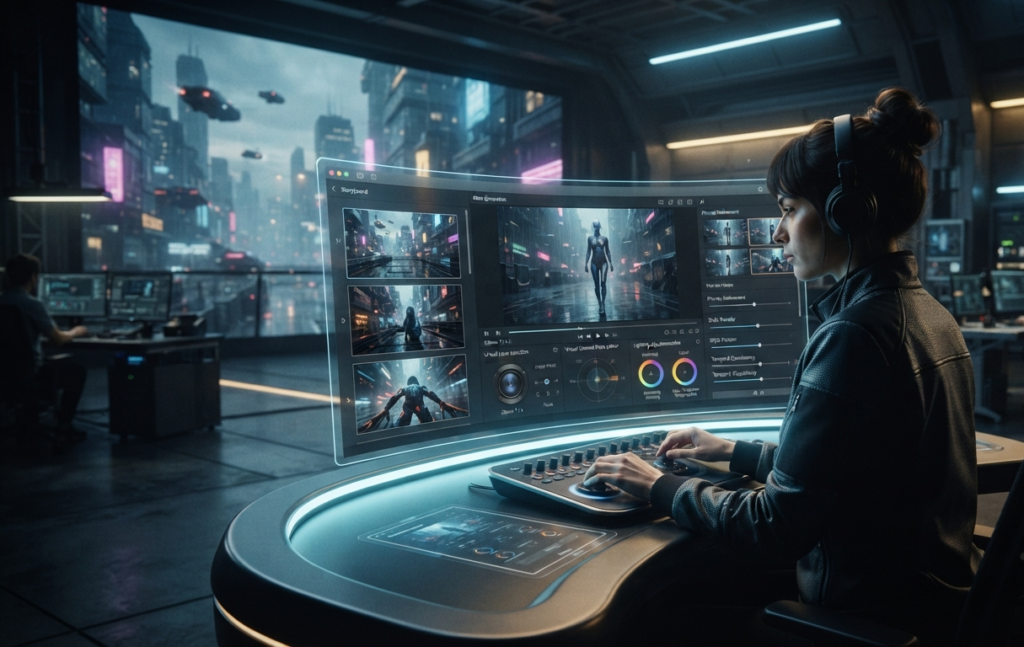
Google Veo is Google’s flagship AI video generation model developed by Google DeepMind. Designed to create highly realistic, cinematic-quality videos from natural language prompts, Veo has quickly become one of the most advanced AI video generation platforms available.
One of Veo’s biggest strengths is its understanding of complex prompts. Users can describe camera angles, lighting, cinematic styles, emotions, and object movements using natural language, allowing Veo to produce visually consistent scenes with impressive realism.
The latest versions also support image-to-video generation, advanced editing features, longer video durations, and improved temporal consistency, making Veo a powerful tool for filmmakers, advertisers, and creative professionals.
Best For
- Cinematic filmmaking
- Commercial advertising
- Professional creators
- Storytelling
- High-quality visual production
Key Features
- Advanced text-to-video generation
- Image-to-video support
- Cinematic camera movements
- Realistic physics simulation
- Long-form video generation
- Native audio generation (supported versions)
- High-resolution outputs
Pros
- Industry-leading realism
- Outstanding prompt understanding
- Excellent camera control
- Smooth motion consistency
- Strong integration with Google’s AI ecosystem
Cons
- Limited public availability in some regions
- Premium features may require subscription access
Pricing
Free access may be limited, with premium plans depending on Google’s current offerings.
OpenAI Sora
Overview
OpenAI Sora represents one of the biggest breakthroughs in AI-generated video. Built using advanced diffusion transformer technology, Sora is capable of generating highly detailed videos from simple text prompts while maintaining impressive scene consistency.
Its understanding of lighting, object interaction, camera movement, and storytelling has made it one of the most talked-about AI video models.
Sora is especially valuable for creators who need cinematic sequences, concept visualization, or creative storytelling without traditional production equipment.
Best For
- Storytelling
- Creative filmmaking
- Marketing videos
- Concept visualization
- Educational content
Key Features
- Text-to-video generation
- Image animation
- Cinematic scene creation
- Realistic lighting
- Long-form generation
- High-quality motion
Pros
- Exceptional realism
- Excellent storytelling
- Natural camera motion
- Strong prompt interpretation
- High-quality visual consistency
Cons
- Availability depends on supported plans and regions
- Rendering complex scenes can take time
Pricing
Available through supported OpenAI plans where offered.
Kling AI
Overview
Kling AI has emerged as one of the strongest competitors in AI video generation. Developed with a focus on realistic motion and high-quality animation, Kling has attracted creators looking for visually impressive videos without requiring professional editing skills.
Its realistic human movement and smooth object interactions make it particularly popular for social media creators and marketers.
Best For
- Social media creators
- Product videos
- Marketing
- Short cinematic clips
Key Features
- Text-to-video
- Image animation
- Realistic character motion
- Dynamic camera movement
- High-resolution output
Pros
- Excellent motion realism
- Beginner-friendly interface
- Fast rendering
- Strong visual quality
Cons
- Editing features are less extensive than some competitors
- Availability may vary by region
Pricing
Free tier available with paid subscription options.
Runway
Overview
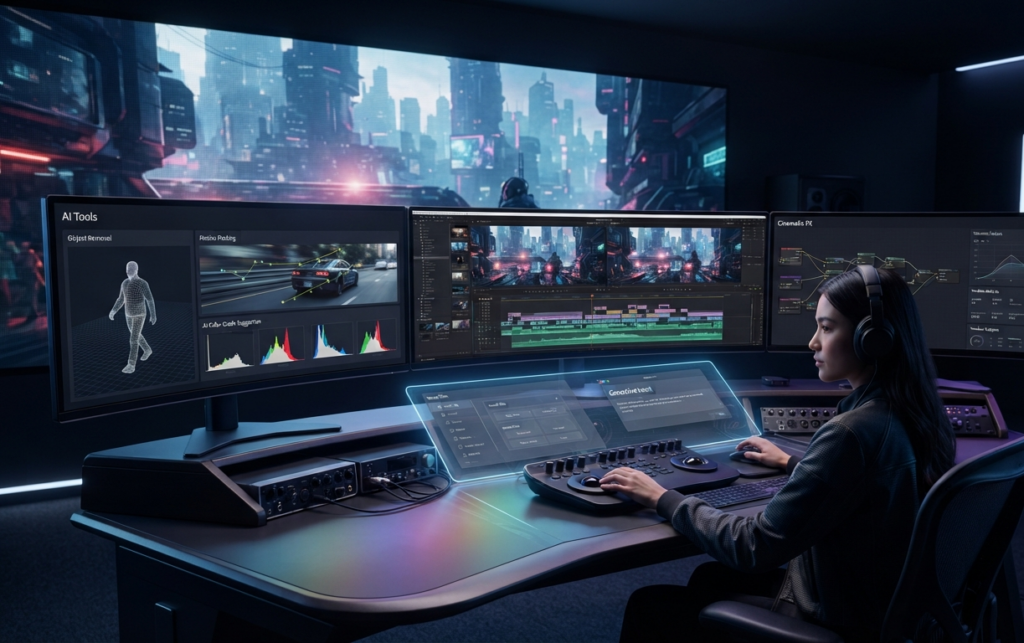
Runway has become one of the most complete AI-powered creative platforms for professional video production. Beyond generating videos from text prompts, it provides powerful editing tools that enable creators to modify existing footage using AI.
Runway is widely adopted by filmmakers, creative agencies, designers, and production studios because it combines generation and editing within a single workflow.
Best For
- Professional editing
- Content creators
- Video production
- Creative agencies
- Filmmaking
Key Features
- Text-to-video
- Image-to-video
- Video inpainting
- Background removal
- Motion tracking
- Object replacement
- AI editing suite
Pros
- Comprehensive editing tools
- Excellent workflow
- Professional interface
- Frequent feature updates
Cons
- Premium features require subscription
- Rendering credits can be limited
Pricing
Free plan with paid subscription tiers.
Pika
Overview
Pika focuses on making AI video generation simple, fast, and accessible. It enables creators to generate engaging videos from text prompts or images while providing intuitive editing options designed for social media content.
Its ease of use has made it popular among influencers, marketers, and beginners.
Best For
- YouTube Shorts
- TikTok
- Instagram Reels
- Marketing
- Beginners
Key Features
- Text-to-video
- Image-to-video
- Quick editing
- Style presets
- Social media optimization
Pros
- Easy to learn
- Fast rendering
- Beginner-friendly
- Strong community
Cons
- Less suited for advanced cinematic projects
- Limited fine-grained controls
Pricing
Free plan with premium subscriptions.
Luma Dream Machine
Overview
Luma Dream Machine is designed for creators who want cinematic visuals combined with fast generation speeds. It excels at producing visually rich scenes with natural motion, making it an appealing choice for filmmakers and digital artists.
The platform is known for balancing speed and quality while supporting a wide range of creative styles.
Best For
- Filmmaking
- Digital art
- Creative storytelling
- Commercial production
Key Features
- High-quality video generation
- Image animation
- Smooth motion
- Cinematic style
- Fast rendering
Pros
- Beautiful visuals
- Creative flexibility
- Fast generation
- Strong motion quality
Cons
- Advanced editing options are limited
- Some features require paid plans
Pricing
Free and premium plans available.
Hailuo AI
Overview
Hailuo AI is gaining popularity for its ability to generate visually appealing videos quickly. It emphasizes speed and accessibility, making it a practical option for users who need content for social media, marketing, or rapid prototyping.
Best For
- Fast content creation
- Marketing
- Social media
- Short videos
Key Features
- Text-to-video
- Image animation
- Fast rendering
- Creative templates
Pros
- Quick generation
- User-friendly
- Affordable entry point
Cons
- Fewer advanced editing capabilities
- Limited enterprise features
Higgsfield AI
Overview
Higgsfield AI differentiates itself through cinematic camera effects and dynamic visual storytelling. The platform is built for creators who want dramatic motion, stylized shots, and visually engaging sequences that resemble professional film production.
Best For
- Cinematic content
- Commercial advertising
- Creative storytelling
- Film concepts
Key Features
- Dynamic camera paths
- AI cinematography
- Stylized motion
- Creative visual effects
Pros
- Unique cinematic look
- Advanced camera simulations
- Excellent creative potential
Cons
- Smaller ecosystem
- Limited free access
PixVerse
Overview
PixVerse has become increasingly popular among creators producing viral short-form content. It combines quick rendering, easy-to-use controls, and creative templates that make video generation accessible for beginners while still offering enough flexibility for experienced users.
Best For
- Viral videos
- Short-form content
- Social media
- Content creators
Key Features
- Text-to-video
- Image animation
- Style templates
- Fast generation
Pros
- Very easy to use
- Fast workflow
- Strong community support
Cons
- Not designed for complex productions
- Limited professional editing tools
Synthesia
Overview
Synthesia specializes in AI avatar videos rather than cinematic scene generation. Businesses use it to create training materials, onboarding videos, product demonstrations, multilingual presentations, and educational content without traditional filming.
Its library of realistic AI presenters and support for numerous languages makes it one of the leading platforms in the business communication space.
Best For
- Corporate training
- Education
- Product demos
- Internal communications
- Multilingual presentations
Key Features
- AI avatars
- Text-to-speech
- Multiple languages
- Presentation templates
- Team collaboration
Pros
- Excellent business solution
- High-quality AI presenters
- Easy video production
- Strong localization support
Cons
- Not intended for cinematic filmmaking
- Avatar-focused workflow may not suit all creators
Pricing
Subscription-based plans with business and enterprise options.
Overall Comparison
| Tool | Best For | Beginner Friendly | Professional Quality | Business Ready |
|---|---|---|---|---|
| Google Veo | Cinematic Production | ⭐⭐⭐⭐☆ | ⭐⭐⭐⭐⭐ | ⭐⭐⭐⭐☆ |
| OpenAI Sora | Storytelling | ⭐⭐⭐⭐☆ | ⭐⭐⭐⭐⭐ | ⭐⭐⭐⭐☆ |
| Kling AI | Realistic Motion | ⭐⭐⭐⭐⭐ | ⭐⭐⭐⭐☆ | ⭐⭐⭐☆☆ |
| Runway | Professional Editing | ⭐⭐⭐⭐☆ | ⭐⭐⭐⭐⭐ | ⭐⭐⭐⭐⭐ |
| Pika | Social Media | ⭐⭐⭐⭐⭐ | ⭐⭐⭐☆☆ | ⭐⭐⭐☆☆ |
| Luma Dream Machine | Creative Production | ⭐⭐⭐⭐☆ | ⭐⭐⭐⭐☆ | ⭐⭐⭐☆☆ |
| Hailuo AI | Fast Creation | ⭐⭐⭐⭐⭐ | ⭐⭐⭐☆☆ | ⭐⭐⭐☆☆ |
| Higgsfield AI | Cinematic Effects | ⭐⭐⭐☆☆ | ⭐⭐⭐⭐☆ | ⭐⭐⭐☆☆ |
| PixVerse | Viral Content | ⭐⭐⭐⭐⭐ | ⭐⭐⭐☆☆ | ⭐⭐⭐☆☆ |
| Synthesia | AI Avatars | ⭐⭐⭐⭐⭐ | ⭐⭐⭐⭐☆ | ⭐⭐⭐⭐⭐ |
Which AI Video Generator Is Best for Beginners?
If you’re new to AI video creation, choosing a platform with an intuitive interface, fast rendering, and helpful templates is essential.
🥇 Pika
Pika is one of the easiest AI video generators to use. Its simple interface and quick results make it ideal for beginners creating videos for YouTube Shorts, TikTok, Instagram Reels, or personal projects.
🥈 PixVerse
PixVerse offers an accessible workflow with creative templates that allow users to generate engaging short-form videos without advanced editing skills.
🥉 Kling AI
Kling AI balances ease of use with impressive visual quality, making it an excellent option for users ready to move beyond beginner-level tools.
Which AI Video Generator Is Best for Professionals?
Professional creators require more than just text-to-video generation. They need advanced editing, consistent motion, cinematic quality, and flexible workflows.
Google Veo
Google Veo delivers exceptional cinematic realism, advanced prompt understanding, and sophisticated camera controls, making it a leading choice for professional productions.
OpenAI Sora
Sora excels in narrative storytelling, realistic scene generation, and visual consistency. It is particularly valuable for filmmakers, advertising agencies, and creative studios.
Runway
Runway combines AI video generation with professional editing capabilities, allowing creators to generate, edit, extend, and refine videos within a single platform.
Which AI Video Generator Is Best for Businesses?
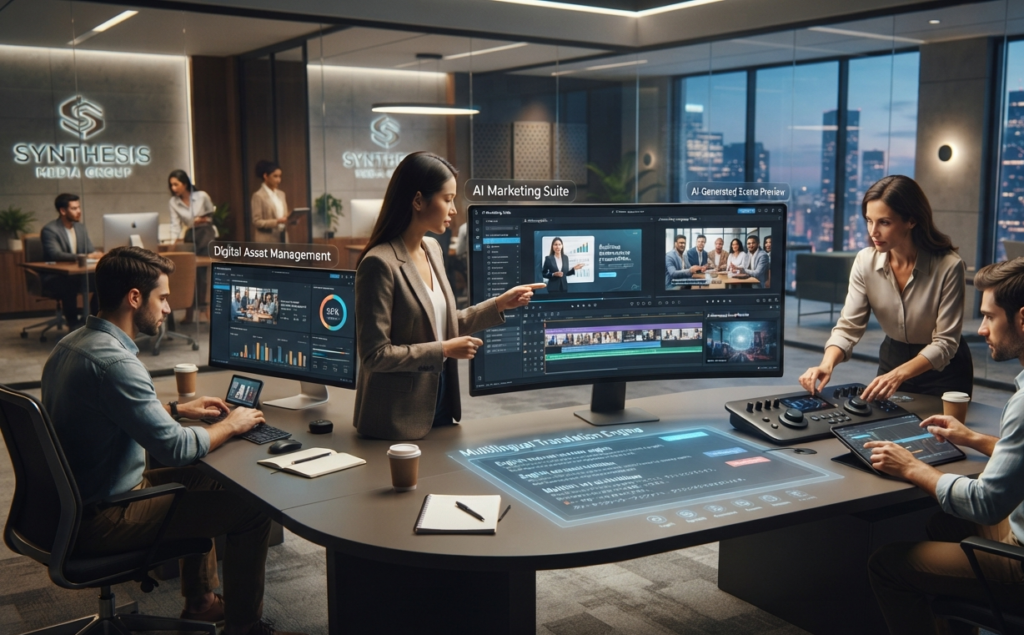
Business users often prioritize scalability, brand consistency, multilingual support, and ease of collaboration.
Synthesia
Synthesia remains the leading AI platform for business presentations, onboarding, employee training, product demonstrations, and multilingual communication through realistic AI avatars.
Runway
Creative agencies and marketing teams benefit from Runway’s editing capabilities and collaborative workflows.
Google Veo
Large enterprises producing premium marketing campaigns or cinematic brand content may find Google Veo particularly valuable due to its advanced visual quality.
AI Video Generators Comparison at a Glance
| Tool | Best For | Ease of Use | Professional Quality | Business Use |
|---|---|---|---|---|
| Google Veo | Cinematic production | ⭐⭐⭐⭐☆ | ⭐⭐⭐⭐⭐ | ⭐⭐⭐⭐☆ |
| OpenAI Sora | Storytelling | ⭐⭐⭐⭐☆ | ⭐⭐⭐⭐⭐ | ⭐⭐⭐⭐☆ |
| Kling AI | Motion realism | ⭐⭐⭐⭐⭐ | ⭐⭐⭐⭐☆ | ⭐⭐⭐☆☆ |
| Runway | Professional editing | ⭐⭐⭐⭐☆ | ⭐⭐⭐⭐⭐ | ⭐⭐⭐⭐⭐ |
| Pika | Social media | ⭐⭐⭐⭐⭐ | ⭐⭐⭐☆☆ | ⭐⭐⭐☆☆ |
| Luma Dream Machine | Creative filmmaking | ⭐⭐⭐⭐☆ | ⭐⭐⭐⭐☆ | ⭐⭐⭐☆☆ |
| Hailuo AI | Fast creation | ⭐⭐⭐⭐⭐ | ⭐⭐⭐☆☆ | ⭐⭐⭐☆☆ |
| Higgsfield AI | Cinematic effects | ⭐⭐⭐☆☆ | ⭐⭐⭐⭐☆ | ⭐⭐⭐☆☆ |
| PixVerse | Viral content | ⭐⭐⭐⭐⭐ | ⭐⭐⭐☆☆ | ⭐⭐⭐☆☆ |
| Synthesia | AI avatars | ⭐⭐⭐⭐⭐ | ⭐⭐⭐⭐☆ | ⭐⭐⭐⭐⭐ |
Frequently Asked Questions
What is the best AI video generator in 2026?
The best AI video generator depends on your goals. Google Veo and OpenAI Sora are leading choices for cinematic quality, while Runway excels in professional editing workflows. Pika and PixVerse are excellent for beginners and social media creators.
Which AI video generator is best for beginners?
Pika is one of the easiest platforms to learn thanks to its intuitive interface and fast rendering. PixVerse and Kling AI are also beginner-friendly options.
Can AI generate realistic videos?
Yes. Modern AI video models can produce highly realistic scenes with natural motion, cinematic lighting, and coherent camera movements, although quality varies depending on the platform and prompt.
Is Google Veo better than OpenAI Sora?
Both are among the most advanced AI video models available. Google Veo is often recognized for cinematic camera control and realism, while OpenAI Sora stands out for storytelling and scene consistency.
Can AI replace professional video editors?
AI significantly speeds up production, but human creativity, editing expertise, storytelling, and artistic direction remain essential for high-end video projects.
Which AI video tool is best for YouTube creators?
Runway, Pika, Kling AI, and Google Veo are popular choices for YouTube creators due to their balance of quality, flexibility, and editing capabilities.
Which AI platform is best for marketing videos?
Businesses often choose Synthesia for AI avatar presentations and Runway or Google Veo for visually rich marketing campaigns.
Are there free AI video generators?
Many platforms, including Pika, PixVerse, Runway, Kling AI, and Luma Dream Machine, offer free plans or trial credits with optional premium subscriptions.
Can AI create videos from images?
Yes. Most leading AI video generators support image-to-video generation, allowing users to animate still images into dynamic video sequences.
Which AI video generator offers the highest quality?
Google Veo, OpenAI Sora, and Runway are generally regarded as leaders in overall video quality, realism, and creative flexibility.
Final Verdict
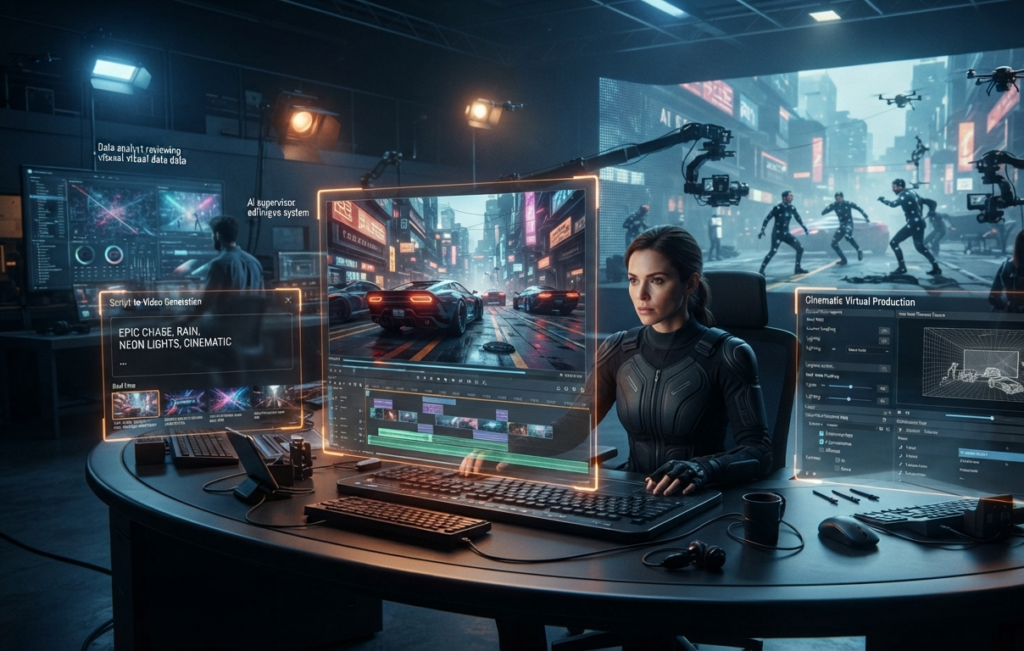
AI video generation has evolved from an experimental technology into a practical creative tool used by filmmakers, marketers, educators, businesses, and content creators worldwide.
Instead of spending hours filming and editing, creators can now transform simple ideas into polished videos using natural language prompts and AI-powered workflows.
There is no universal winner. The best platform depends on your objectives:
- Google Veo is ideal for cinematic productions.
- OpenAI Sora excels at storytelling and realistic scene generation.
- Runway is the top choice for creators who need both generation and advanced editing.
- Kling AI delivers impressive motion realism.
- Pika and PixVerse are excellent for short-form social media content.
- Synthesia remains the leading solution for AI avatar-based business communication.
As AI continues to improve, these tools will become even more capable, enabling creators to produce professional-quality videos faster and more efficiently than ever before.
Related Articles
Continue Learning
- Best AI Image Generators (2026)
- Best AI Coding Tools (2026)
- ChatGPT Models Explained (2026)
- Gemini Models Explained (2026)
Coming Soon
- Google Veo Explained
- OpenAI Sora Guide
- Runway AI Review
- Kling AI Review
- Pika AI Guide
- Luma Dream Machine Review
- Hailuo AI Explained
- Higgsfield AI Guide
- PixVerse AI Review
- Synthesia Review
Sources
This guide is based on official documentation, product announcements, developer resources, and publicly available technical information from the companies behind each AI video generation platform.
As AI video technology evolves rapidly, readers should always refer to official documentation for the latest features, pricing, and availability.


